

Before you start
- A Voyager plan is optional. If you connected Claude or ChatGPT, you can finish setup and work without one. Your own media keys generate media without a plan.
- Cost: chat with Voyager models and media made with Voyager credits use your plan’s credits. Media made with your own key is billed by that provider, to your account with them. Plan names and prices are on voyager.so/pricing.
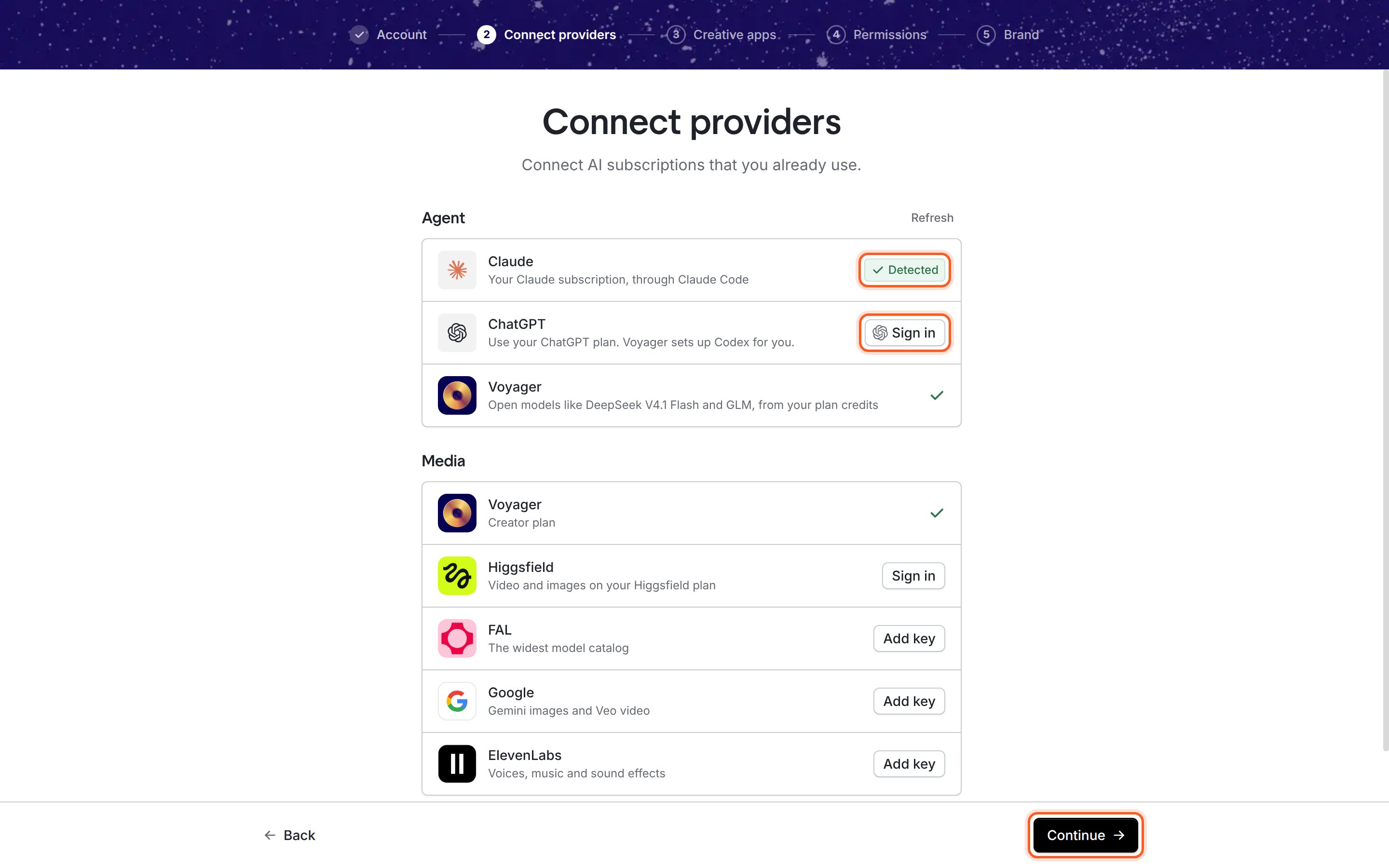
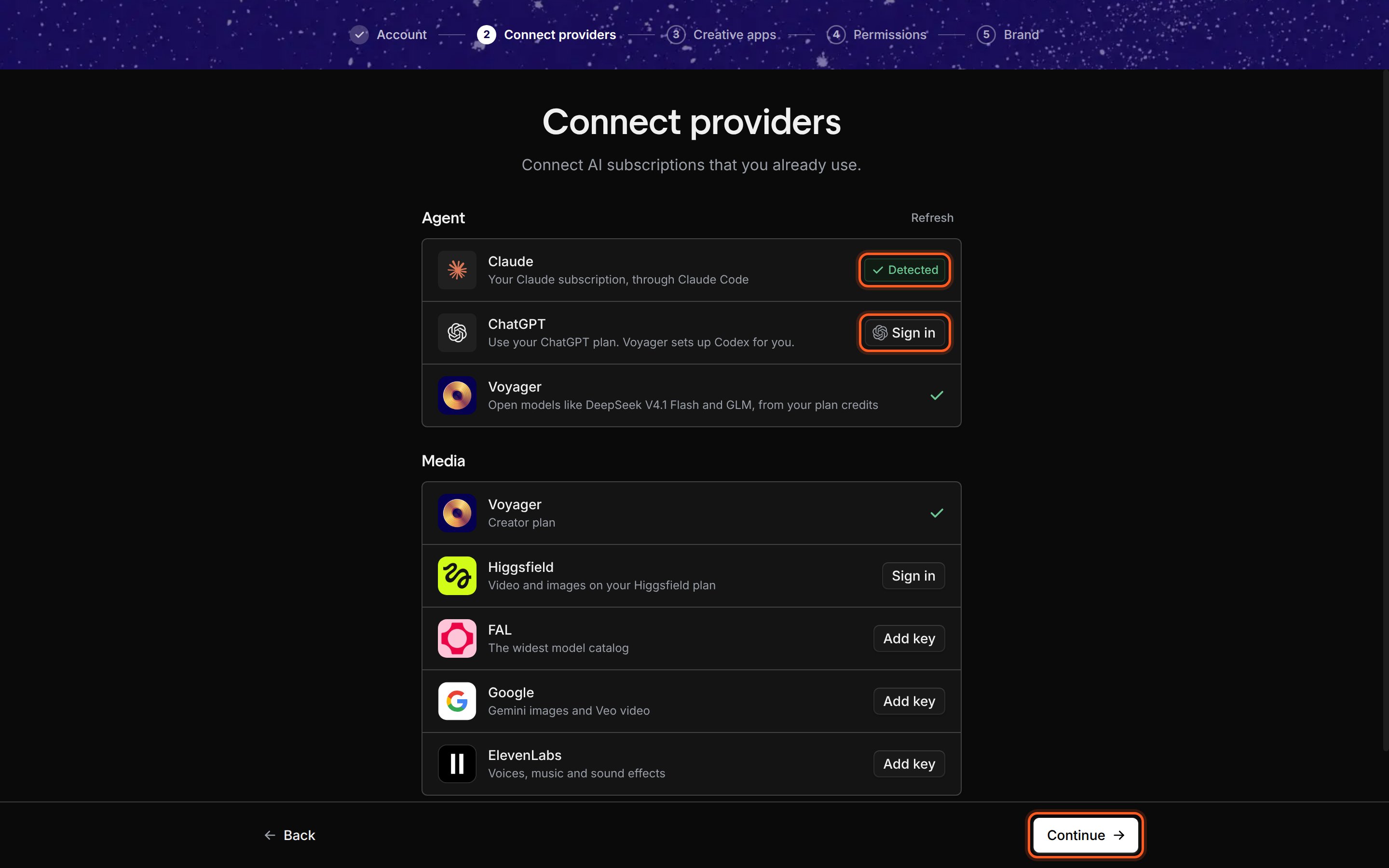
Agent at the top, Media below. The Voyager row in Media shows your workspace's plan.
The Voyager agent row
The last row under Agent is Voyager: open models such as DeepSeek V4.1 Flash and GLM, run by Voyager and paid for from your plan’s credits. Higher plans add more models; see pricing. There’s nothing to connect. The row reflects your workspace’s plan:
Voyager models become your default agent only when neither Claude nor ChatGPT is connected. New chats then start on DeepSeek V4.1 Flash. You can switch to Voyager models in any chat from the model picker.
Get a plan or use a promo code
- Click the button on the Voyager row (for example Get a Voyager plan), or go to voyager.so/dashboard/billing. When your plan is active, click Refresh above the agent list.
- Have a promo code? Go Back to the Account step and enter it, or add it later in Settings → Accounts. Some codes start a trial plan.
The Media section
Media lists the services that can make images, video and audio for you. Every change here saves straight away.
To add a key: click Add key, paste your key into Paste your key, and click Save. Voyager checks the key, then the row shows a green check.
You don’t have to connect anything here to finish setup, and you can add keys later in Settings → Accounts, under Generation providers.
Who pays for a generation
When the agent makes an image, video or clip, Voyager uses the first connected service in your list that offers the model it needs. This setup list shows Voyager first, but the order Voyager actually tries puts your own Higgsfield, FAL, Google and ElevenLabs connections before Voyager credits. Connecting one means that service bills you directly for the models it offers.Check it worked
- At least one row under Agent has a green check, and Continue is available.
- The Voyager row under Media shows your plan name (or Free plan), and any key you added shows a green check.
If something went wrong
The Voyager agent row says “Get a Voyager plan to chat through Voyager.”
The Voyager agent row says “Get a Voyager plan to chat through Voyager.”
“This workspace is out of Voyager plan credits.”
“This workspace is out of Voyager plan credits.”
Buy a credit pack or turn on auto-reload on your billing page, or use your own Claude or ChatGPT subscription now.
“Ask a workspace admin to give you a Voyager seat”
“Ask a workspace admin to give you a Voyager seat”
Your workspace has a plan, but you don’t have a seat on it. Ask an admin to add you, or use your own subscription now.
A key won't save
A key won't save
Voyager checks each key when you save it. Make sure you copied the whole key from the provider’s dashboard, with no spaces, and that your account with that provider is active.
Next: Connect your creative apps
Click Continue to save your setup, then let Voyager find the creative apps on your computer.