

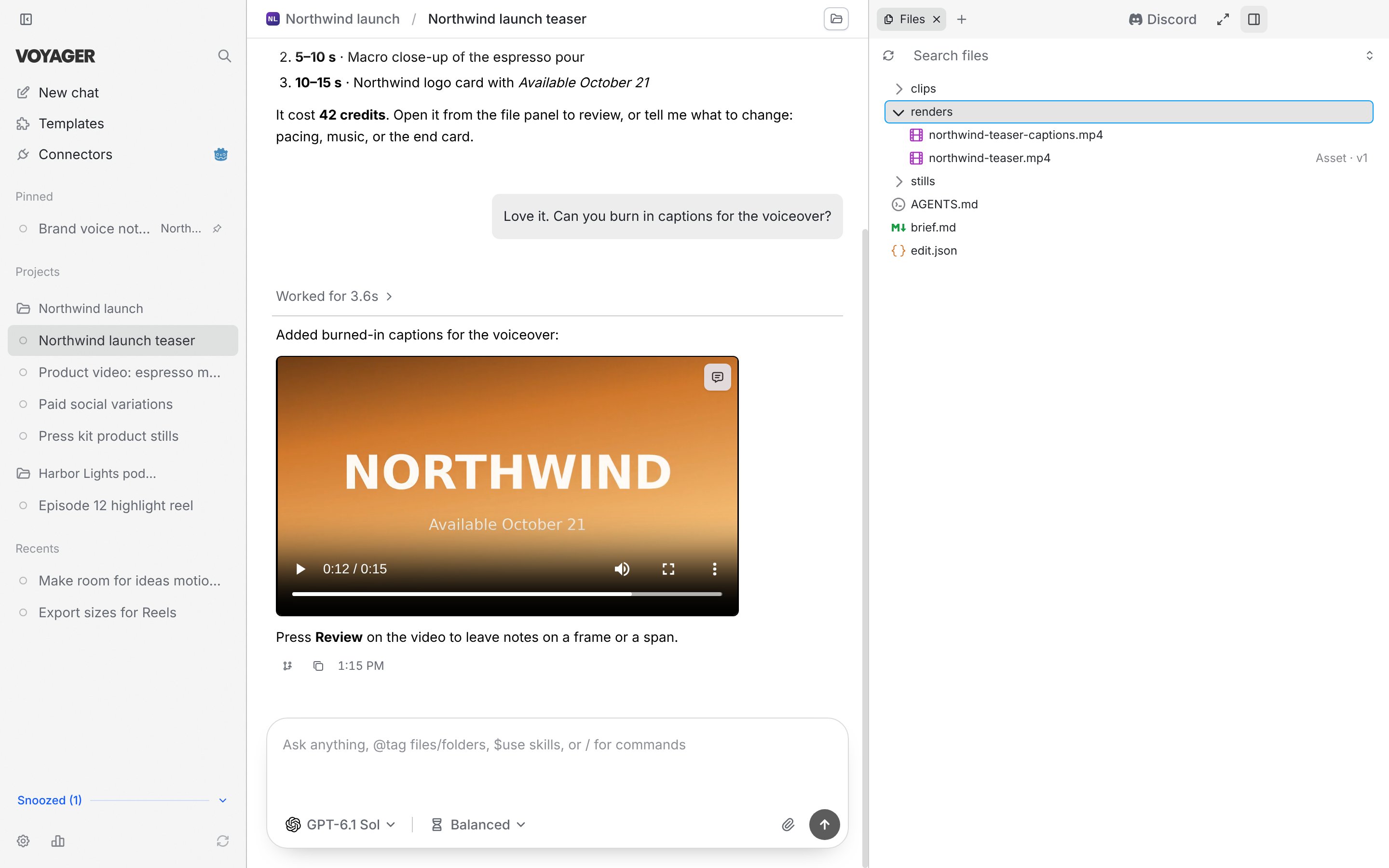
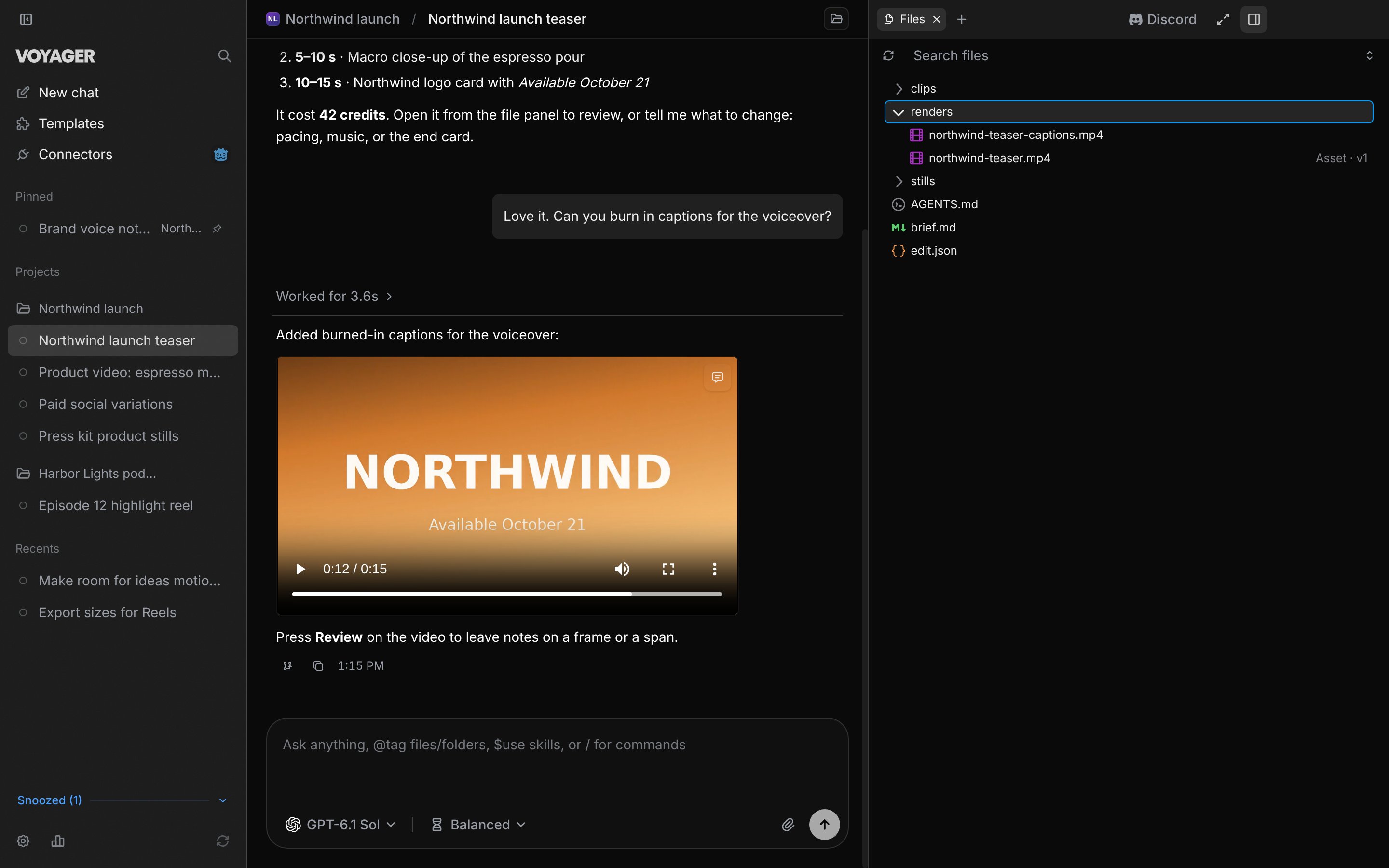
A chat on the left, the finished video in the middle, and the project's files beside it.
What you can make
Videos from an idea
Generated shots, voiceover, music and titles, cut together into one video you can download.
Edits of your own footage
Trims, selects, captions and new aspect ratios from clips you already have.
Motion graphics
Kinetic type, title cards, explainers and overlays, with editable source you can change later.
Images and design assets
Stills, social posts and brand assets that follow your colors, fonts and logo.
How you work with it
- Ask. Write a request in a chat, like you would brief a person. Attach footage, a logo or a reference if you have one.
- Watch it work. The agent plans the piece, asks you about anything it needs, and checks with you before it spends money on generation.
- Review. Play the result in Voyager. Comment on a moment, a time range or a spot in the frame.
- Revise. Send your notes. The agent makes a new version and keeps the old one so you can compare.
- Keep the file. Everything is saved as ordinary files in a folder on your computer.
What you need
- A Mac with Apple silicon running macOS 15 or later, or a Windows 11 or Linux PC. Windows and Linux are alpha versions; see Requirements.
- A Voyager account. It’s free to create, and you sign in during setup.
- An agent to chat with. Use your own Claude or ChatGPT, signed in with a subscription or an API key, at no extra cost from Voyager. Or use Voyager models with a Voyager plan.
- A way to pay for generated media, if you want new images, video or audio made for you. Use your own media keys, or Voyager credits from a plan. Editing footage you already have doesn’t need this.
Start here
How Voyager works
Five ideas that make everything else make sense.
Choose your setup
Pick an agent and decide who pays for media.
Install Voyager
Check requirements, then install on macOS, Windows or Linux.
Make your first video
A guided first project, from request to finished file.